KY-012 active buzzer module: how it works, wiring and code
Updated
The KY-012 makes noise the easy way. Put 5 V on its signal pin and it beeps; take the voltage away and it stops. There's no tone to generate and no library to install, because the buzzer carries its own oscillator.
That's what "active" means, and mixing up active and passive buzzers is behind most "my buzzer won't play" questions. Here's how to tell them apart, how to wire the KY-012, what the SensorKit sketch really does on pin 8, and how to turn plain on and off into alarms people notice.
Active means it brings its own tone
Inside the black cylinder is a sounding element plus a tiny driver circuit that vibrates it at one fixed pitch. Power in, sound out. A passive buzzer has only the sounding element, so it stays silent until your code feeds it a square wave with tone(), and then it plays whatever pitch you ask for.
So the active buzzer trades choice of pitch for simplicity. You get one note, but any digital pin can sound it with digitalWrite(), and nothing in your sketch has to keep it going: set the pin HIGH and get on with other work.
Wiring
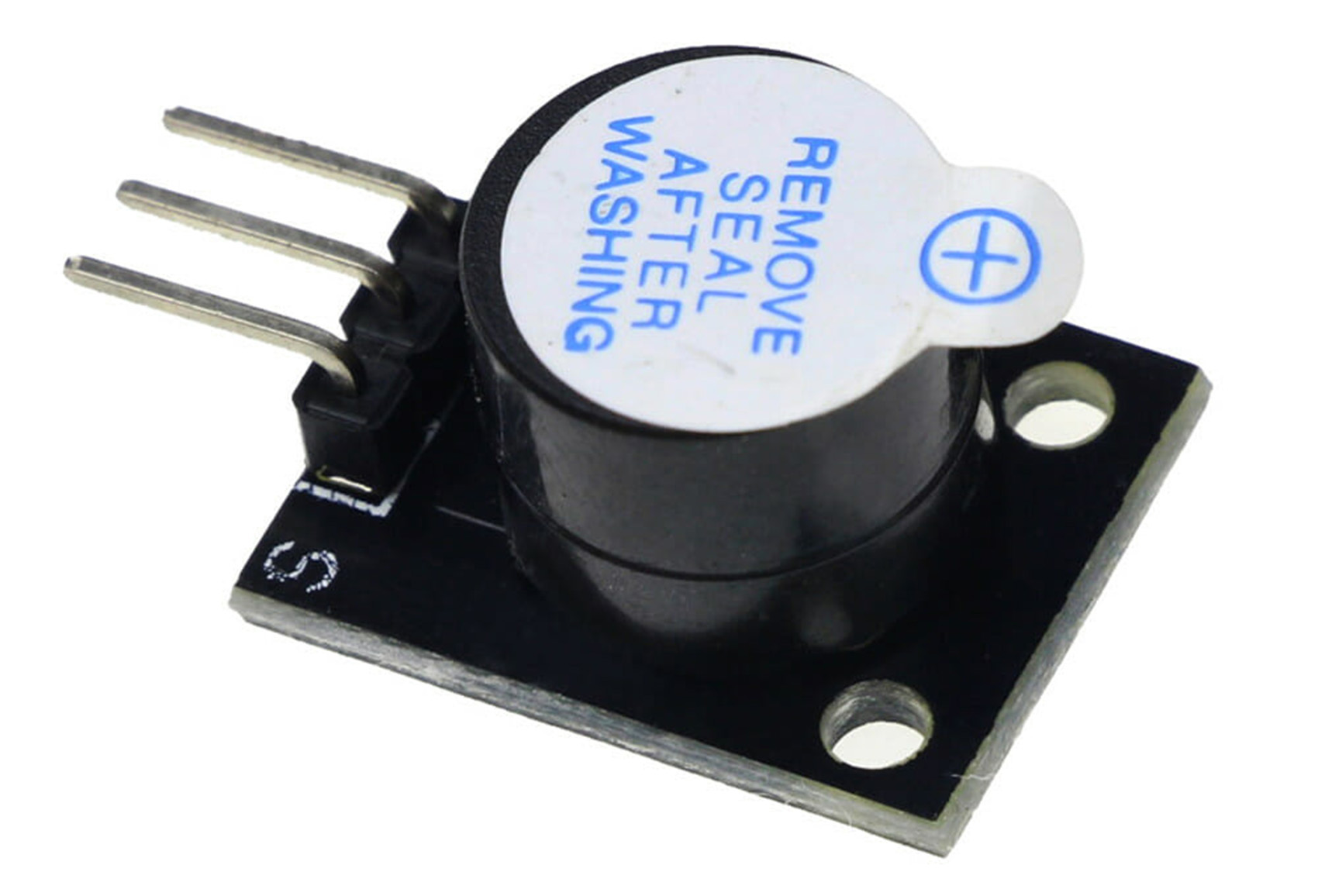
| KY-012 pin | HERO Board pin | What it does |
|---|---|---|
| S | D8 | HIGH sounds the buzzer, LOW silences it |
| Middle pin | 5V | Power |
| − | GND | Ground |
From the SensorKit lesson's code and walkthrough.
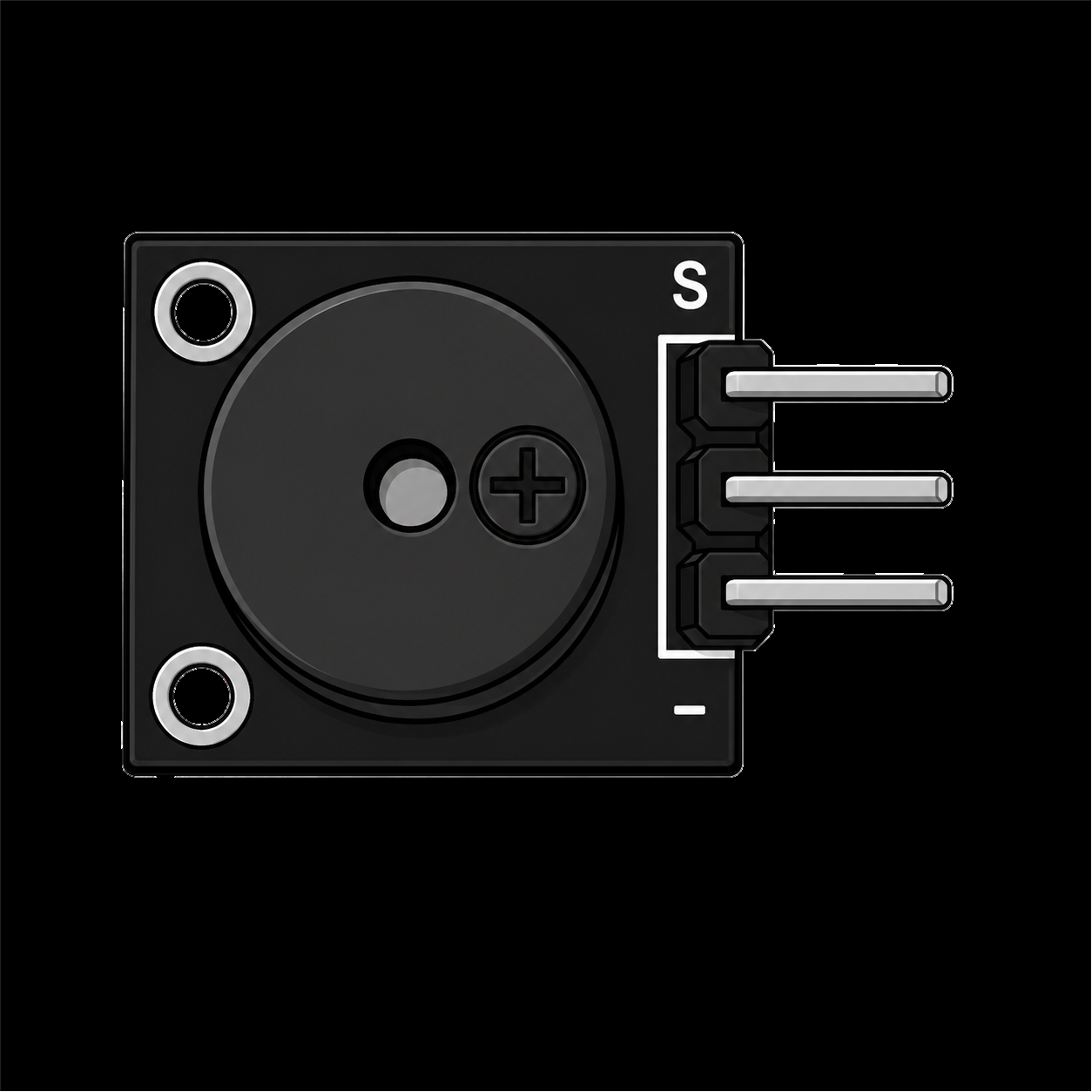
The + molded on the buzzer marks its positive leg, and the board already connects it the right way round. All you have to get right is the header: S to your pin, the middle pin to 5V, − to GND.
What the course's sketch really does
int speakerPin = 8;

void setup() {
  pinMode(speakerPin, OUTPUT);
}

void loop() {
  digitalWrite(speakerPin, HIGH);  // beep for half a second
  delay(500);
  digitalWrite(speakerPin, LOW);   // then quiet
  delay(600);
}One beep, a little under once a second. An active buzzer only knows on and off: HIGH sounds its one built-in tone, LOW silences it. To change the rhythm, change the two delays.
If you watch the KY-012 walkthrough, it was filmed with an older version of this sketch that wrote three analogWrite() values and expected them to change the sound. They can't: D8 isn't a PWM pin, so analogWrite() there falls back to plain on (128 and up) or off (below 128), and the buzzer can't vary its tone anyway. What you heard in that version is exactly what the sketch above does.
One note, many signals
One pitch limits you less than you'd think, because people read rhythm. A slow single beep says "on", three quick chirps say "ready", a long pulse says "look at me". Put the pattern in a function and call it when something happens. This one chirps when the board starts, then beeps twice whenever you press a KY-004 button:
const int BUZZER_PIN = 8;   // KY-012 S
const int BUTTON_PIN = 4;   // KY-004 S: LOW while pressed

void beep(int onMs, int offMs, int times) {
  for (int i = 0; i < times; i++) {
    digitalWrite(BUZZER_PIN, HIGH);
    delay(onMs);
    digitalWrite(BUZZER_PIN, LOW);
    delay(offMs);
  }
}

void setup() {
  pinMode(BUZZER_PIN, OUTPUT);
  pinMode(BUTTON_PIN, INPUT_PULLUP);
  beep(60, 60, 3);   // three quick chirps: ready
}

void loop() {
  if (digitalRead(BUTTON_PIN) == LOW) {   // button pressed
    beep(400, 200, 2);                     // two long beeps
  }
}beep() uses delay(), so nothing else runs while it sounds. That's fine for a doorbell. For an alarm that also has to keep watching a sensor, time the beeps with millis() instead.
Where it fits in a build
- Any alarm. The lid alarm example verified in the CraftingTable simulator sounds a passive buzzer with
tone()while light gets into a box. With the KY-012, swaptone()andnoTone()fordigitalWrite()HIGH and LOW. - A laser tripwire, on the KY-008 laser page: it uses the KY-012 on D8 to sound when the beam is broken.
- Feedback for a control: a 20 ms chirp on each press of a button or click of a rotary encoder tells your fingers the input landed.
Active or passive? How to tell
- Connect it straight to 5V and GND for a moment. If it beeps, it's active. If it clicks or stays silent, it's passive.
- A sealed top, often with a sticker, usually means active. A bit of green circuit board showing on the buzzer itself usually means passive.
- For melodies you want the passive kind and
tone(): see the passive buzzer article and tone() and noTone().
When it doesn't work
- Silent. S isn't on the pin your code drives, or the middle pin isn't on 5V. Run the
digitalWrite()sketch above to rule out the code. - Quiet. Peel off the seal if it's still there.
- It clicks instead of beeping. You have a passive buzzer: use
tone(). - It never stops. Something leaves the pin HIGH. Check every path through your code ends with a LOW.
The Help Center's buzzer troubleshooting article has a test sketch that tries both kinds. The KY-012 is also a part in the free browser simulator, and the 37-in-1 sensor kit guide covers every other module in the case.
37-in-1 Sensor Kit: The KY-012 active buzzer and 36 more modules in a latching case, with the free SensorKit course.
HERO Board: The Uno-compatible board every SensorKit walkthrough is filmed on, with its USB cable.
Questions
Can the KY-012 play different notes?
No. An active buzzer has its own oscillator and plays one fixed pitch whenever its signal pin is HIGH. For notes and melodies, use a passive buzzer with tone().
Does analogWrite() change the KY-012's volume?
No. On D8, which has no PWM, analogWrite() only switches the pin fully on (128 and up) or off (below 128). An active buzzer is an on and off part, so drive it with digitalWrite().
What's the difference between an active and a passive buzzer?
An active buzzer beeps by itself when powered, at one pitch. A passive buzzer needs a changing signal from tone() and can play any pitch. Connect one briefly to 5V and GND: if it beeps, it's active.
Why is my active buzzer so quiet?
Many arrive with a seal on top that's there for factory washing. Peel it off and the buzzer gets louder.