Electronics for teens: a parent's guide
Updated
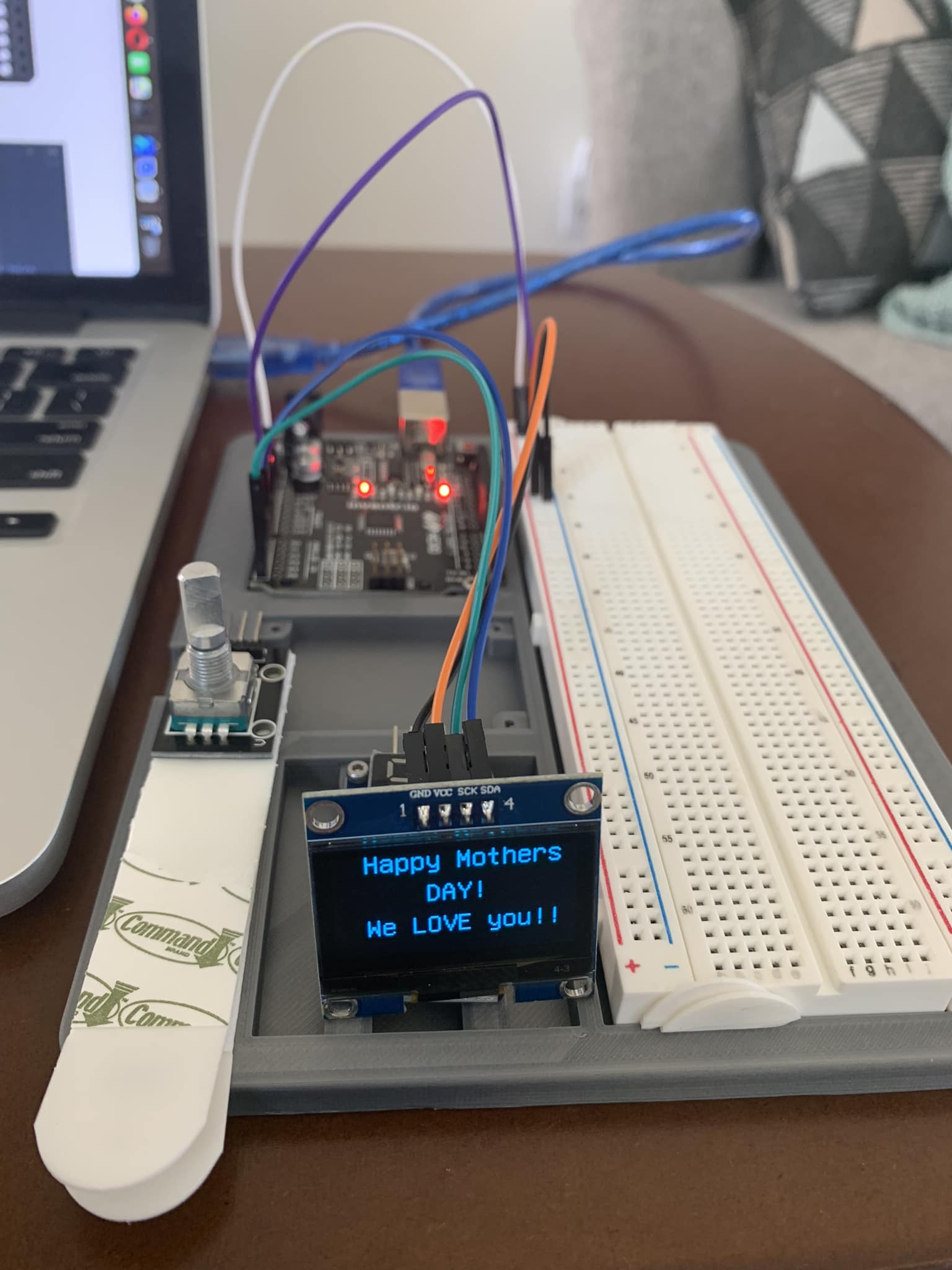
Picture the end of an evening: a small screen on your teen's desk shows a message they wrote, in code they typed, on a circuit they wired. That's what electronics looks like at home. Not soldering irons and mains power: a board smaller than a phone, a breadboard of parts that push in by hand, and a laptop.
You don't need to know any of it to help. This guide covers what teens actually learn, what they need, whether it's safe, and the few things a parent can do that make more difference than knowing what a resistor does.
What they actually learn
Electronics kits get sold with big words. Here's what's really happening on the desk, from the first evening on.
How circuits work
Why a light needs a complete loop of wire to turn on. Why an LED has a right way round. Why every LED gets a resistor, and how to work out which one with a single division. Within the first few lessons they can point at a breadboard and tell you what each part is for.
Real programming
Not drag-and-drop blocks: real C++ on the HERO Board, or real Python on the Raspberry Pi Pico. Variables, if and else, loops, functions, lists of values. They're the same building blocks any programming course teaches, with one difference: every line does something they can see or hear.
Debugging, the skill nobody lists
Things won't work the first time. A wire is one hole off, an LED is in backwards, a semicolon is missing. Working out which, calmly, by checking one thing at a time, is the most useful habit electronics builds, and it's worth just as much far away from electronics.
How everyday things work
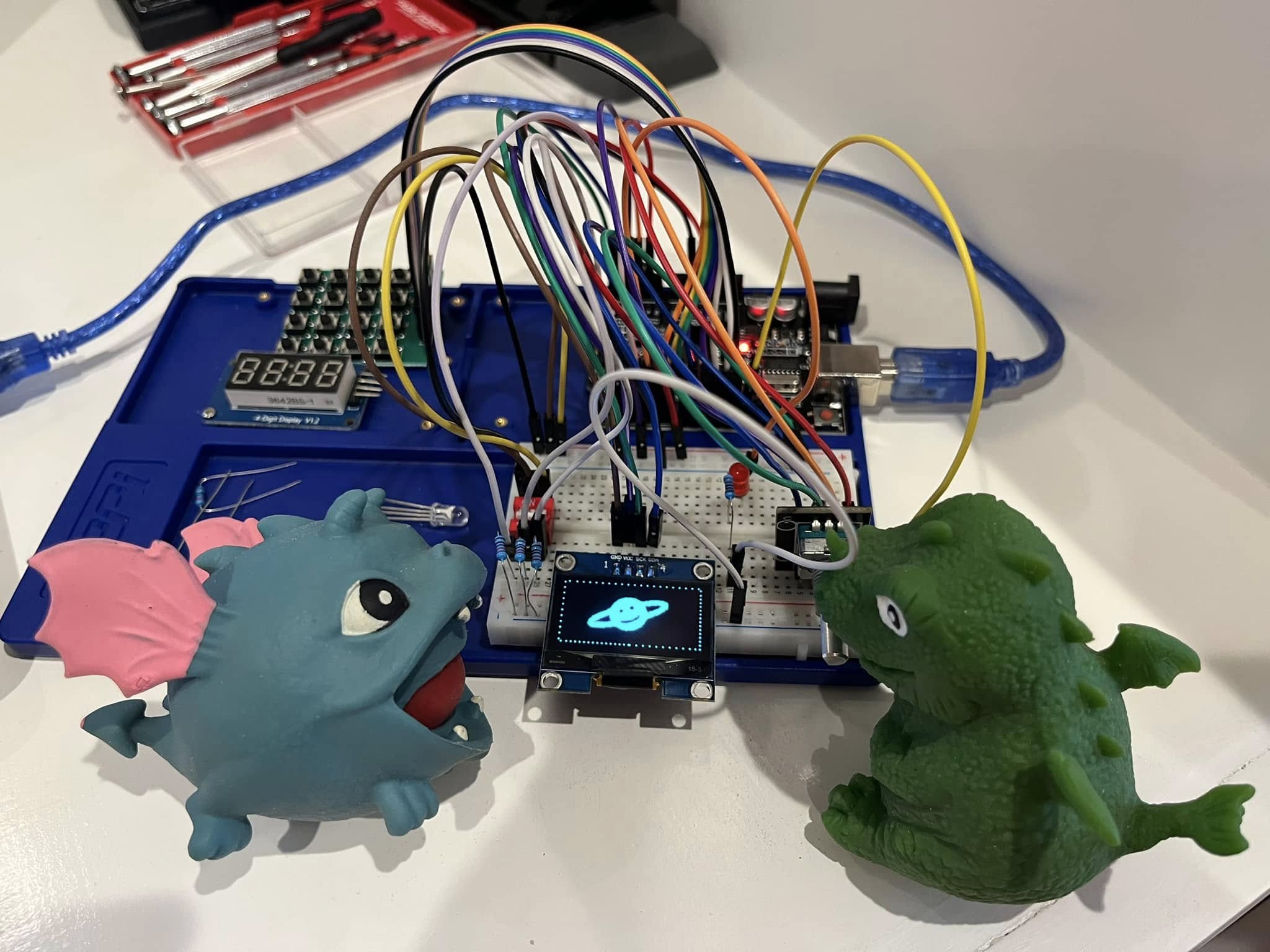
A keypad that only opens for the right code. A countdown on a red 4-digit display. A light that switches on when the room gets dark. Once a teen has built each of those, the keypad on the microwave never looks quite the same again.
Is my teen ready for it?
Our kits are for 12 and up, as printed on the box, and they assume no experience at all. The first lesson starts with the light that's built into the board, before any wiring. What matters more than age is temperament. Electronics tends to click for a teen who:
- Likes making things, or taking them apart to see what's inside.
- Wants to code but drifts away from courses that live only on a screen.
- Will stay with a problem for ten minutes before asking for help. If that's not them yet, this is where it grows.
Plenty of adults learn on the same kits from zero, so it's also something you can do alongside them.
Is it safe?
Yes, with ordinary care. Here's why, and the few things worth knowing.
- Low voltage. The board runs from the USB cable: 5 V on the HERO Board, with the Pico's pins at 3.3 V. That's the power that charges a phone, nowhere near anything that can hurt a person.
- No soldering, no mains. Every part pushes into a breadboard. Nothing plugs into a wall socket, and no lesson asks for a hot iron.
- The usual worst case is a dead part, not a hurt person. An LED without its resistor burns out, and a part wired backwards can get warm. If anything feels warm or smells hot, unplug the USB cable and check the wiring against the lesson.
- Small parts. Resistors, LEDs and jumper wires are small, with thin metal legs. Keep the kit away from young children and pets.
What they need
- A kit with a board, a breadboard, parts and lessons that match each other. If you'd rather gather parts yourself, What you need to start learning electronics has the full list.
- A computer, not a tablet or phone. For the HERO Board kits: Windows, Mac or a Chromebook, with Chrome or Edge. For the Pico kit, Neon Realm: Windows, macOS or Linux, plus a micro-USB cable that carries data, which isn't in that box.
- A spot where a build can stay put. Circuits take more than one sitting, and pulling everything apart each night costs half of the next one. A tray or a corner of a desk is enough.
- Time, in sessions. 30 Days Lost in Space has 31 filmed lessons and about 10 hours of video in all, so a lesson fits an evening with room to experiment.
None of our kits is a subscription: one payment, and nothing expires. The browser simulator, the Daily Quest and the Help Center are free for everyone, kit or not.
How to help when you don't know electronics
This is the part parents worry about most, and the part that needs the least knowledge. The lessons are written to your teen, not to you. Your job is different, and it matters more than knowing the answers.
1. Be the audience
Ask for a demo. Then ask one question: what does this line do? Explaining it out loud is how it sticks, and a teen who can teach it to a parent who doesn't know it has really got it.
2. Ask the three debugging questions
When it doesn't work, don't fix it. Ask:
- What did you expect to happen?
- What happened instead?
- What changed since it last worked?
That's how engineers debug. Often the answer to the third question sends your teen straight back to the desk, the fix already in mind.
3. Know the usual suspects
Most early problems are one of these four, and you can check each without knowing why it matters:
- The LED is in backwards. Its long leg goes toward the board's pin. My LED Won't Turn On walks through it.
- A wire is one row off on the breadboard. Compare the build with the lesson's diagram, hole by hole. Breadboard Basics shows which holes connect.
- The computer can't find the board. Usually a charge-only USB cable. Upload Failed or Port Not Found covers the rest.
- The code uploads but nothing happens. Usually the pin in the code isn't the pin the wire is in. See Code Compiles but Nothing Happens.
4. Let them be stuck for a while
Ten minutes stuck, then finding it themselves, is the whole point. Resist the rescue. In 30 Days Lost in Space, an AI guide inside the lesson gives hints rather than answers when a build won't work. It isn't a live person, and it won't do the work for them.
5. Try it yourself, in the browser
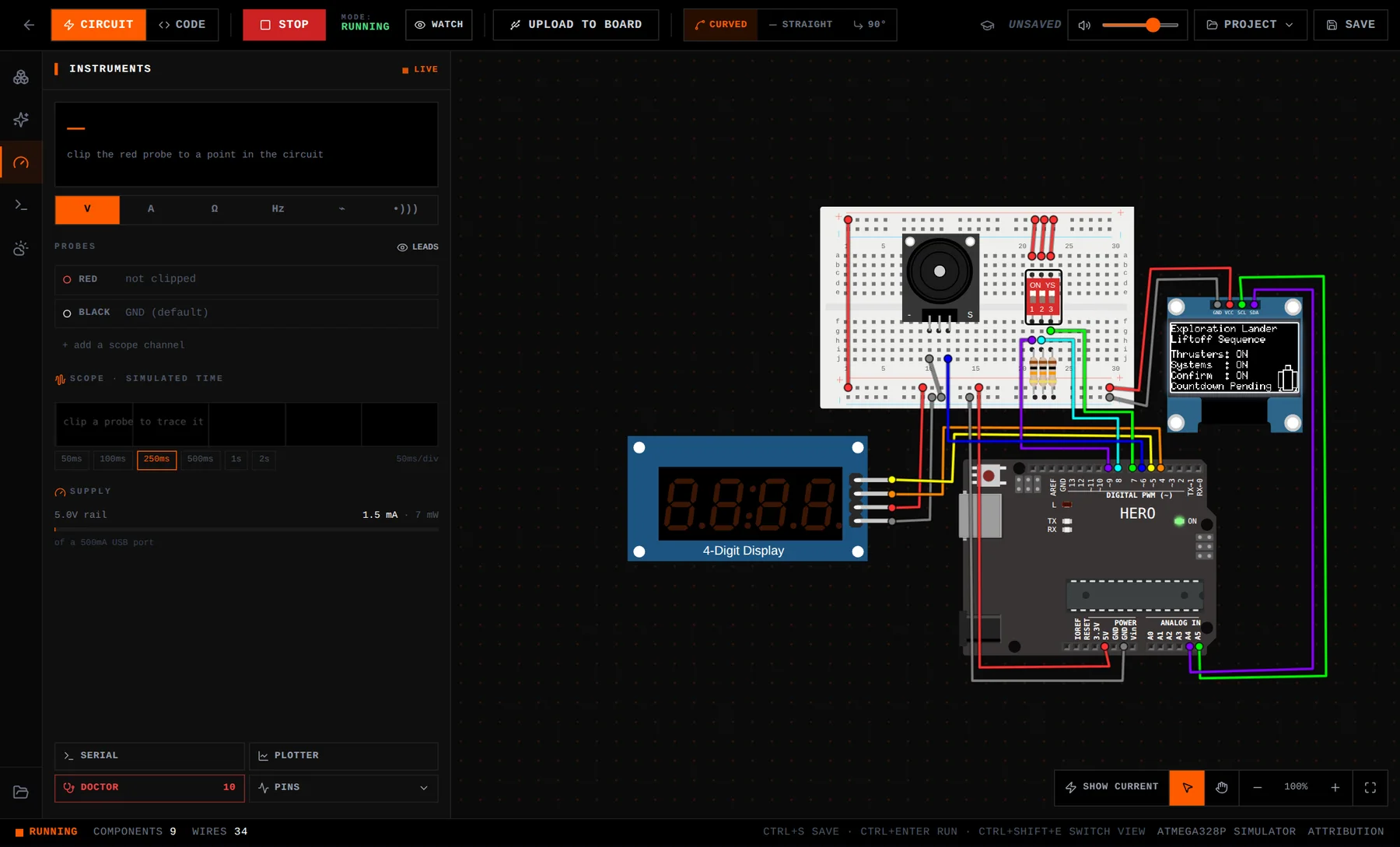
Open the free browser simulator and wire a single LED. Ten minutes is enough to know what your teen means when they say a leg isn't in the right row, and it gives you something real to ask about at dinner.
What progress looks like
You'll see it on the desk. In 30 Days Lost in Space, the milestones arrive in roughly this order:
- Mission one: the board's own light blinks, then an LED they wired themselves.
- Early on: a switch that decides when the lights come on, and a light sensor reading the room.
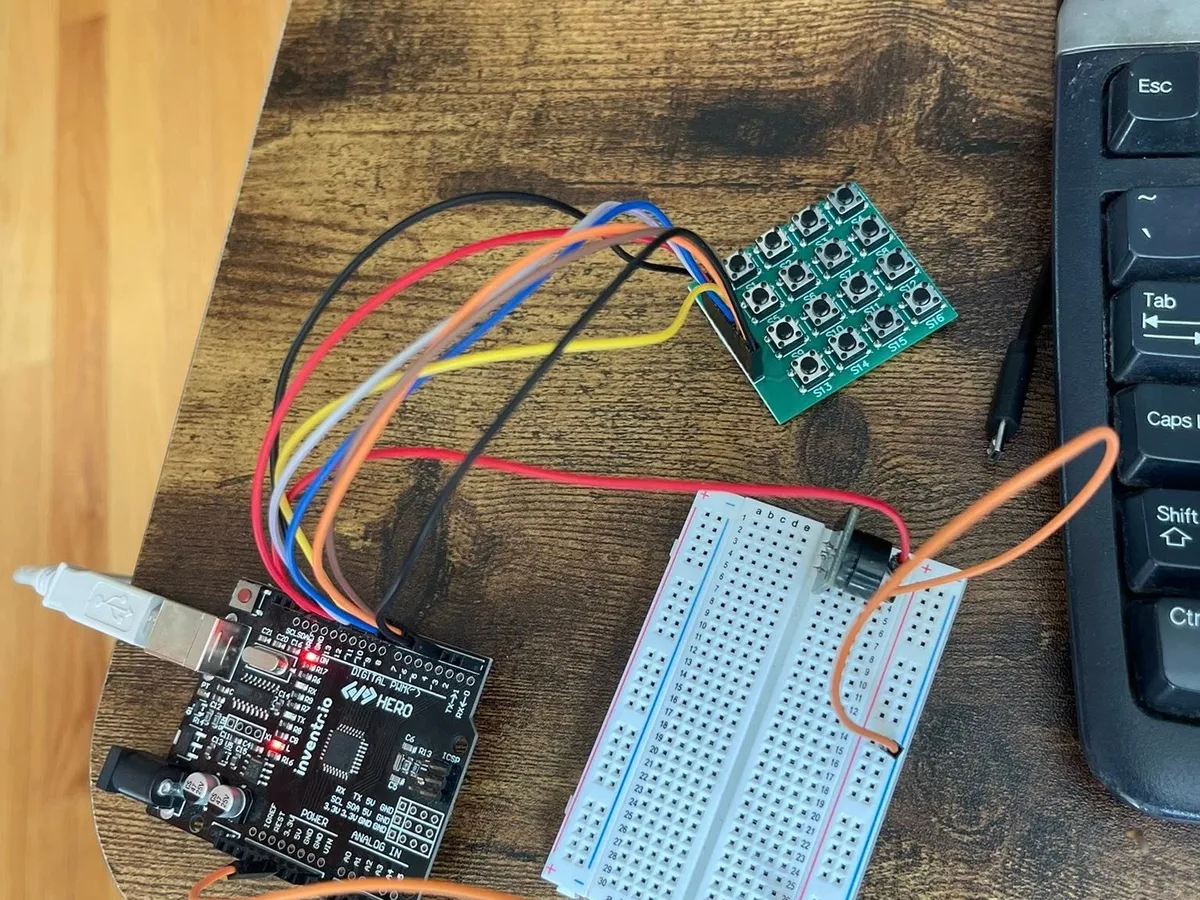
- The middle: a 16-button keypad that only opens for the right passcode, a buzzer alarm, a dial that counts on a 4-digit display.
- The end: an OLED screen showing their own text and pictures, a launch countdown with three arming switches, and a final docking run that uses everything.
The best sign isn't on that list. It's the evening they change the code to do something the lesson never asked for: their own message on the screen, a new tune on the buzzer, a different passcode. 30 Days builds in five Creative Days for exactly that.
Which kit to start with
| 30 Days Lost in Space | Cogsworth City | Neon Realm | |
|---|---|---|---|
| Language | C++ | C++ | MicroPython |
| Board | HERO Board | HERO Board | Raspberry Pi Pico WH |
| Course | 31 filmed lessons in one story | 20 nights, a short film each night | 20 lessons, 15 of them on video |
| What they build with | Keypad, OLED screen, 4-digit display, buzzer, rotary dial, switches, light sensor, RGB LED | LEDs, an RGB LED, 6 push buttons, 2 light sensors | LEDs, push buttons, light sensors |
| Computer | Windows, Mac or Chromebook, with Chrome or Edge | A computer with Chrome, Edge or Firefox | Windows, macOS or Linux |
| USB cable | Included | Included | Not included: bring a micro-USB data cable |
From each kit's product page. All three: no soldering, no experience needed, one payment.
Our usual advice: 30 Days Lost in Space for a teen who wants the widest range of parts and one big story. Cogsworth City for a gentler start with lights, buttons and light sensors. Neon Realm if Python is the goal, or they already know some. C++ or MicroPython explains the difference between the languages.
What we won't promise
No kit can promise better grades, school credit or a career, and we don't. What your teen gets is a real skill they can show you working on the desk, built one circuit at a time. If you homeschool, the lessons are written to the student and run in order, so they fit a self-run block of time. Teachers who want this in a classroom will find the school tools at /edu.
30 Days Lost in Space: Crash-landed on an alien planet, your teen repairs the ship one circuit at a time: 31 filmed lessons, the HERO Board and every part, from a first blinking light to a launch countdown.
Cogsworth City: HERO Starter Kit: A gentler start on the same board: twenty nights of a pirate-ship story, a short film each night, with lights, buttons and light sensors.
Questions
What age is right for electronics kits?
Our kits are for 12 and up, as printed on the box. They assume no experience, and plenty of adults learn on them from zero too.
Do I need to know electronics to help my teen?
No. The lessons are written to the learner. Your part is to be the audience, ask what they expected and what happened instead, and check the usual suspects: an LED in backwards, a wire one row off, a charge-only USB cable.
Is electronics safe for a teenager?
Yes, with ordinary care. Everything runs from a USB port at 5 V or less, nothing needs soldering, and nothing plugs into the wall. Keep the small parts away from younger children and pets.
Will it work on a school Chromebook?
The HERO Board kits run in Chrome on a Chromebook and upload from the lesson page, unless the school has switched off USB access for web pages. The Pico kit's editor needs ChromeOS's Linux environment, which school-managed Chromebooks often switch off.
Is there a subscription?
No. You buy the kit once. The lessons don't expire, and the simulator and Help Center are free.