The best electronics kits for adult beginners
Updated
Most electronics kits are sold as toys for kids, and most adults who start one find that it doesn't matter. Ohm's law is the same at 45 as at 14, and the code that reads a sensor doesn't know who wrote it.
What does change is how you learn, how much time you have, and what you want to build once the kit is done. So this guide picks by those, not by parts count. It includes other brands where they're the better fit, with prices checked on November 10, 2026.
Pick by how you learn
You learn by watching someone do it: filmed lessons
This is where our kit, 30 Days Lost in Space, is strongest. There are 31 filmed lessons, about 10 hours of video, and a person on screen does each build alongside you: you watch the wiring, pause, wire it yourself, then write the C++. Every part for all 30 missions is in the box, on the HERO Board (Uno-compatible), with no soldering.
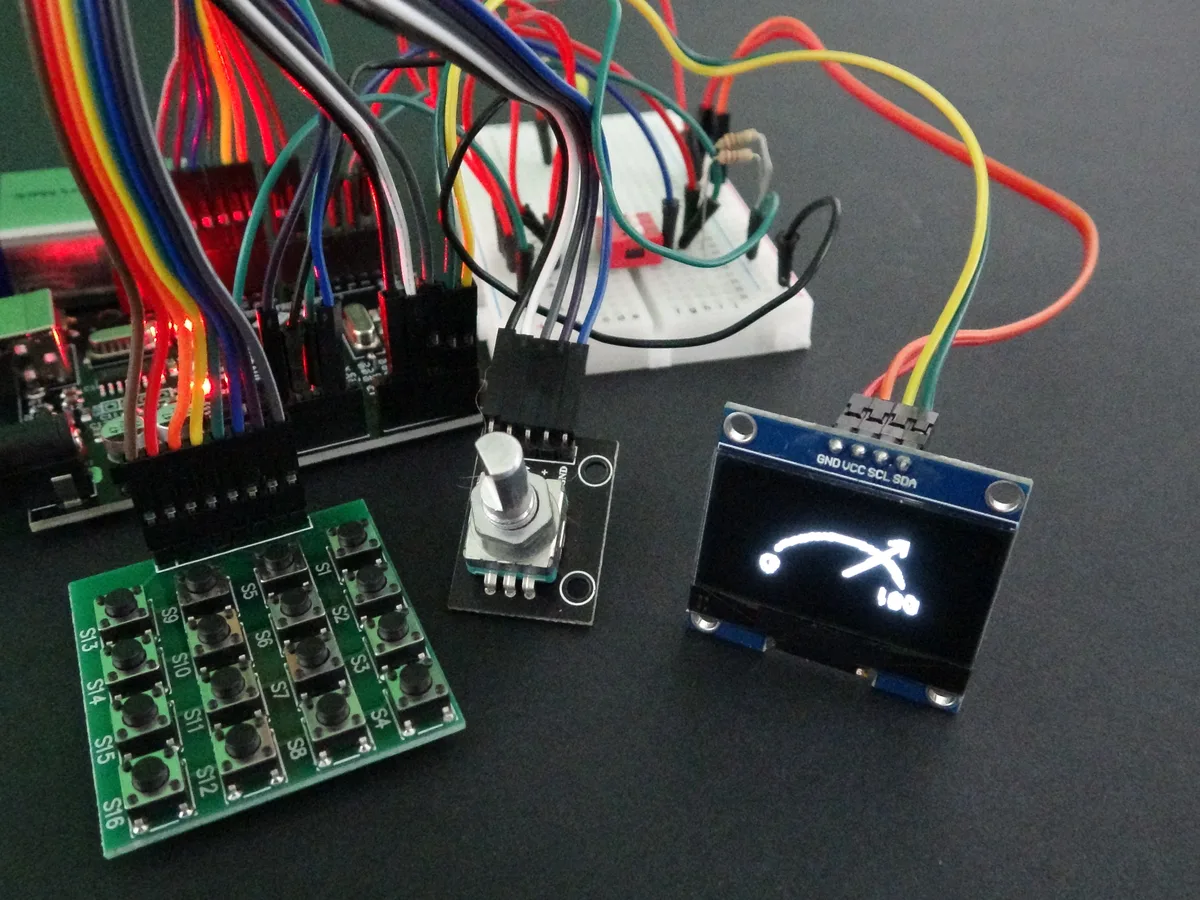
It's wrapped in a sci-fi story about repairing a crashed ship, and it's made for complete beginners: teens, adults and retirees. Don't let the story fool you about the depth, though. By the last chapter you're writing a passcode lock on a 16-button keypad, drawing graphics on an OLED screen and building a launch sequence as a set of states that can abort, which is real embedded programming. Where it falls short: budget kits give you more parts for the money, and the sci-fi framing isn't for everyone.
You learn from a book on the bench: SparkFun Inventor's Kit
If you'd rather read at your own speed with the instructions open beside you, the SparkFun Inventor's Kit is the one we'd point you to. Version 4.1.2 was $99.95 at sparkfun.com on November 10, 2026. It comes with SparkFun's RedBoard Qwiic, a full-colour, spiral-bound guidebook (also online), and 16 circuits grouped into five projects. SparkFun rates it for beginners 10 and up.
You'll teach yourself from free material: a budget kit
Budget kits pack the most parts per dollar and leave the teaching to you: a PDF or a website, plus whatever you find online. That works well for adults who already know how they learn and enjoy hunting down answers. Our starter-kit comparison puts Elegoo, the official Arduino Starter Kit, SparkFun and SunFounder side by side, including where they beat ours.
Pick by what you want to build
| You want to | Start with | Why |
|---|---|---|
| Understand circuits and code from the ground up | An Uno-compatible board kit | It runs at 5 V like most hobby modules, and nearly every beginner tutorial and library is written for it. |
| Learn Python, or you already program | A Raspberry Pi Pico | MicroPython is quick to try a line at a time, and the Pico W and WH have Wi-Fi. |
| Build Wi-Fi sensors and home automation | The basics first, then an ESP32 board | Wi-Fi boards add network setup and 3.3 V parts on top of the fundamentals. Learn pins, readings and timing first and they carry straight over. |
| Run software: a media server, a retro console, a Linux desktop | A Raspberry Pi computer, not a microcontroller | It runs an operating system. The Raspberry Pi 500 is a whole computer in a keyboard: $180 on its own, or $200 as a desktop kit, on November 10, 2026. |
| Learn to solder | A solder kit | Our kits won't teach it: every part plugs into a breadboard. |
Not sure what the difference between a microcontroller and a computer is? What is a microcontroller? explains it. Torn between C++ and Python? Arduino Uno or Raspberry Pi Pico compares the two boards.
Three mistakes adults make with a first kit
- Buying by parts count. A box of 200 pieces looks like value, but the parts you'll use in the first month fit in one hand: LEDs, resistors, a button, a light sensor, a buzzer. What you're really paying for is the teaching.
- Starting with the project you bought it for. The weather station or the smart thermostat comes faster if you do the basics first. The step from lessons to your own project usually needs one idea beginners skip: timing without
delay(), so the board can watch a button while it blinks a light. The Help Center explains it in millis(): non-blocking timing. - No fixed time. Two sessions a week on the calendar beats a free Saturday that never comes. 30 Days Lost in Space is 31 lessons; at three a week, that's about ten weeks.
What you need besides the kit
- A computer. Our HERO Board kits upload from Chrome or Edge on Windows, Mac or a Chromebook. Pico kits use the Thonny editor on Windows, Mac or Linux.
- A USB cable that carries data. Our HERO Board kits include one; our Python Starter Kit doesn't. A charge-only cable looks identical, and the computer won't see the board.
- A clear desk and good light. The parts are small and resistors are read by their coloured bands.
- Later, a multimeter. You don't need one to start. Once you design your own circuits it's the first tool worth adding, along with Ohm's law.
Buying one for an adult
For a parent, a partner or a retiree who used to fix radios, a kit with a course makes a better gift than a box of parts. The hardest thing for a busy adult isn't the electronics, it's knowing what to do next on a Tuesday night, and a course answers that every time. For more ideas, including other brands' gadget kits and a computer in a keyboard, see our gift list: most of it suits adults too.
Try it free before you buy anything
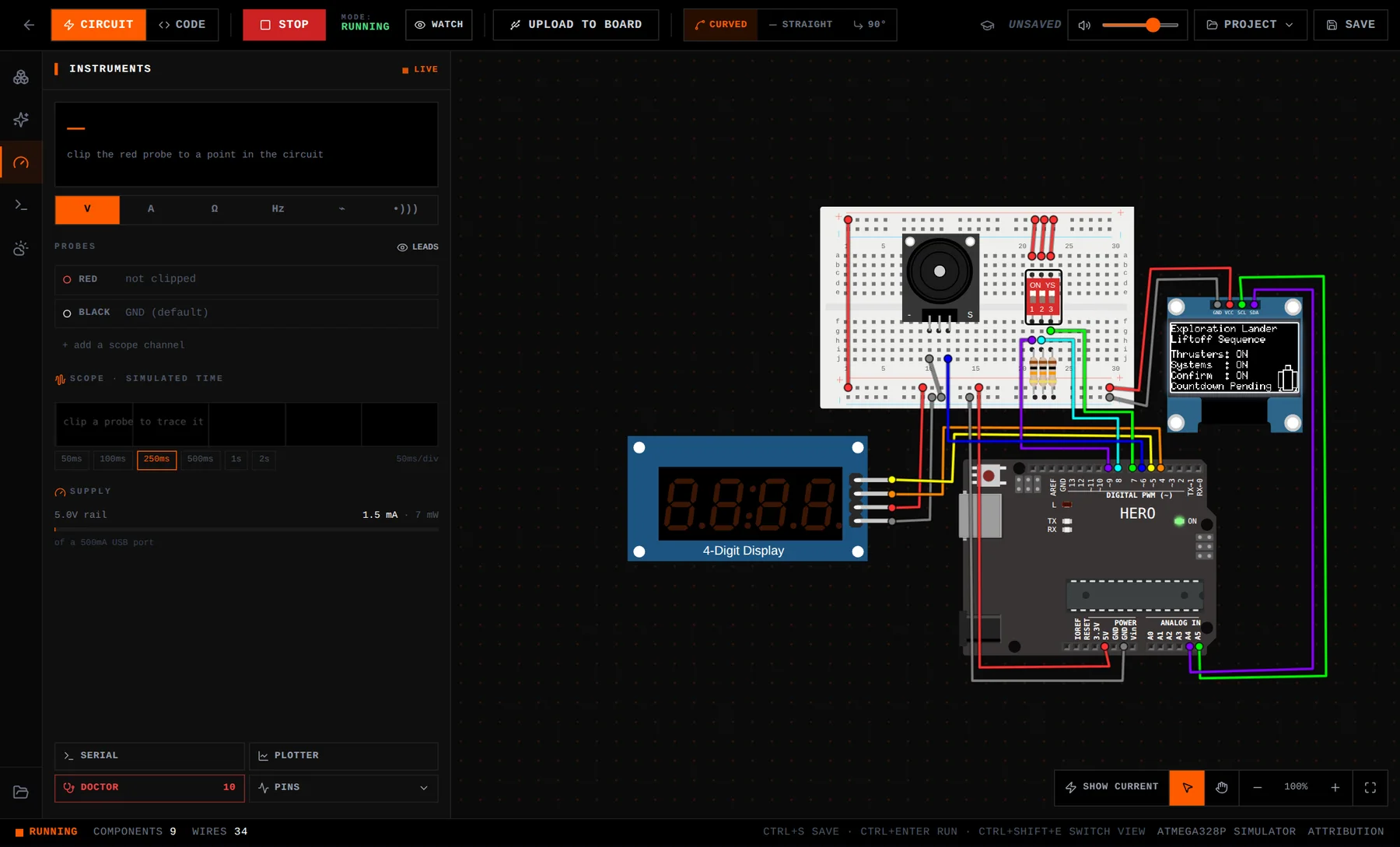
The free browser simulator runs an Uno-compatible board and a Pico with real parts on a virtual breadboard. Wire an LED, run a program, and you'll know within ten minutes whether this is for you. The lessons themselves are free to watch with an account, and the first mission doesn't need one.
30 Days Lost in Space: Learn by watching: 31 filmed lessons, every part, C++ on the HERO Board. No experience needed, no soldering.
Python Starter Kit: Neon Realm: For programmers and Python learners: MicroPython on a Raspberry Pi Pico WH, 20 lessons. Bring a micro-USB data cable.
Questions
Am I too old to learn electronics?
No. The ideas are the same at any age, and adults usually bring the patience that debugging needs. Starting from zero is expected: the first lesson of 30 Days Lost in Space begins by blinking a light.
How much math do I need?
Arithmetic. The formula you'll use most is Ohm's law, voltage equals current times resistance, mainly to pick the right resistor for an LED.
Is a kit that says 12 and up too basic for an adult?
The age on the box is a minimum, not a level. The C++ is the same C++ engineers write, and the later builds, such as a keypad lock, OLED graphics and a launch sequence with an abort state, are real embedded programming.
Should an adult start with Arduino or Raspberry Pi?
To learn electronics, start with a microcontroller: an Uno-style board, or a Raspberry Pi Pico if you want Python. The Raspberry Pi 4, 5 and 500 are small Linux computers, which is a different hobby.
How long does a first kit take?
30 Days Lost in Space is 31 lessons and about 10 hours of video, plus building time. At three lessons a week, plan on about ten weeks.